BudgApp - Budget Planner
Overview
BudgApp is a monthly budget planner that helps you track your income and expenses without any data leaving your device. All data is stored locally, so your financial information stays completely private.
Monthly Budgets
Navigate between months to view your budget for any time of year. Each month displays a summary of all income and expense items, with a colour-coded total — green when you're in the black, red when you're not.
Add income or expense items with one of three intervals:
- Monthly — occurs every month on a specific date (e.g. rent on the 1st)
- Weekly — occurs every week on a specific day (e.g. groceries every Friday), with the total automatically calculated based on how many times that weekday falls in the selected month
- Once — a one-off item tied to a specific month (e.g. a birthday gift in March)
Items can be edited or deleted at any time.
Extra Budgets
Create named Extra Budgets for one-off events like a holiday or party. Each Extra Budget has its own income and expense items, completely separate from your regular monthly budget, so your normal budget stays untouched.
Other Features
- Dark mode support
- Drawer navigation to switch quickly between Monthly, Income, Expense, and Extra Budget screens
Screenshots
Main Budget View
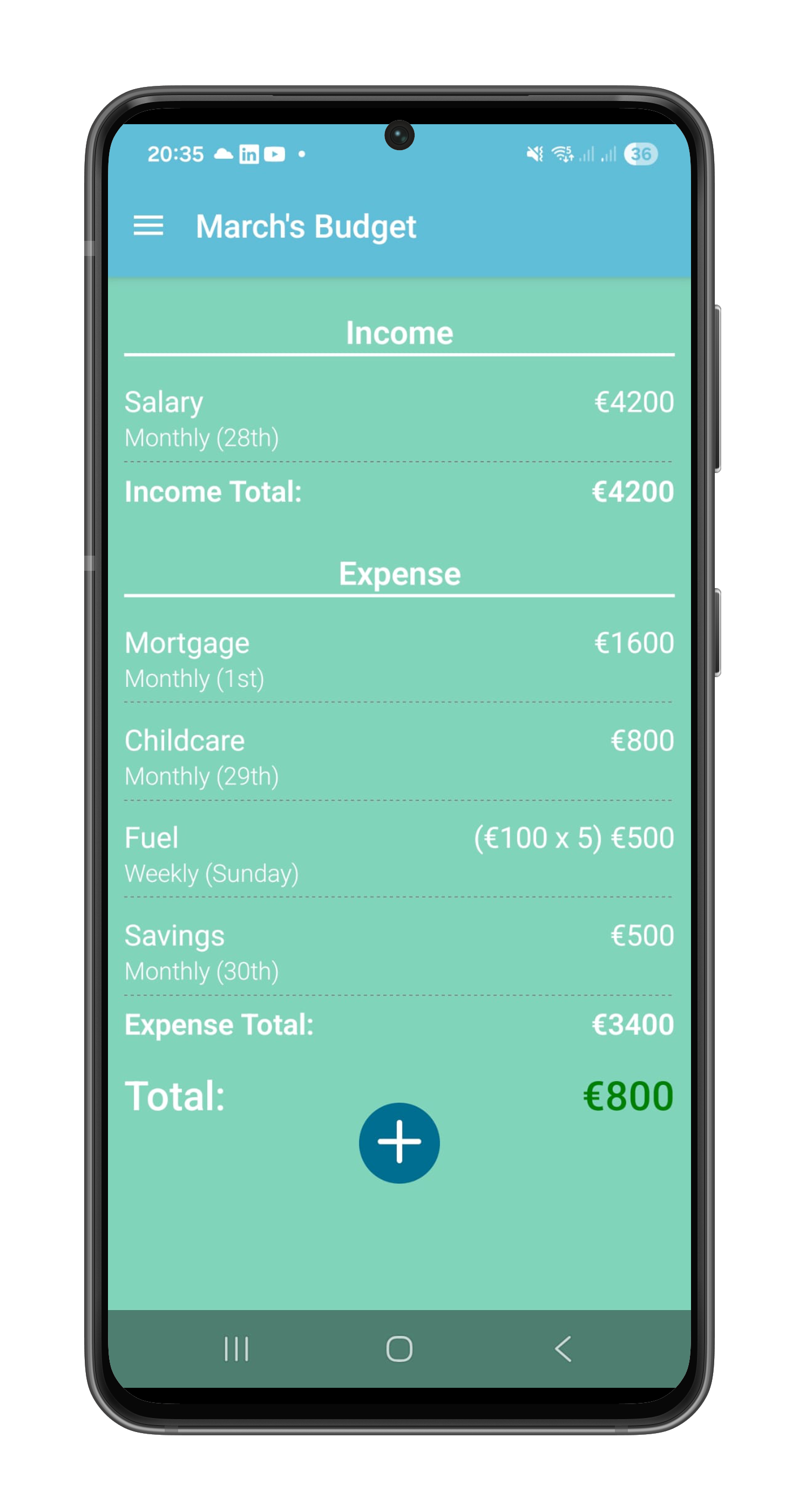
The monthly budget dashboard displays your income and expense totals with a colour-coded balance indicator — green when you're in the black, red when spending exceeds income.
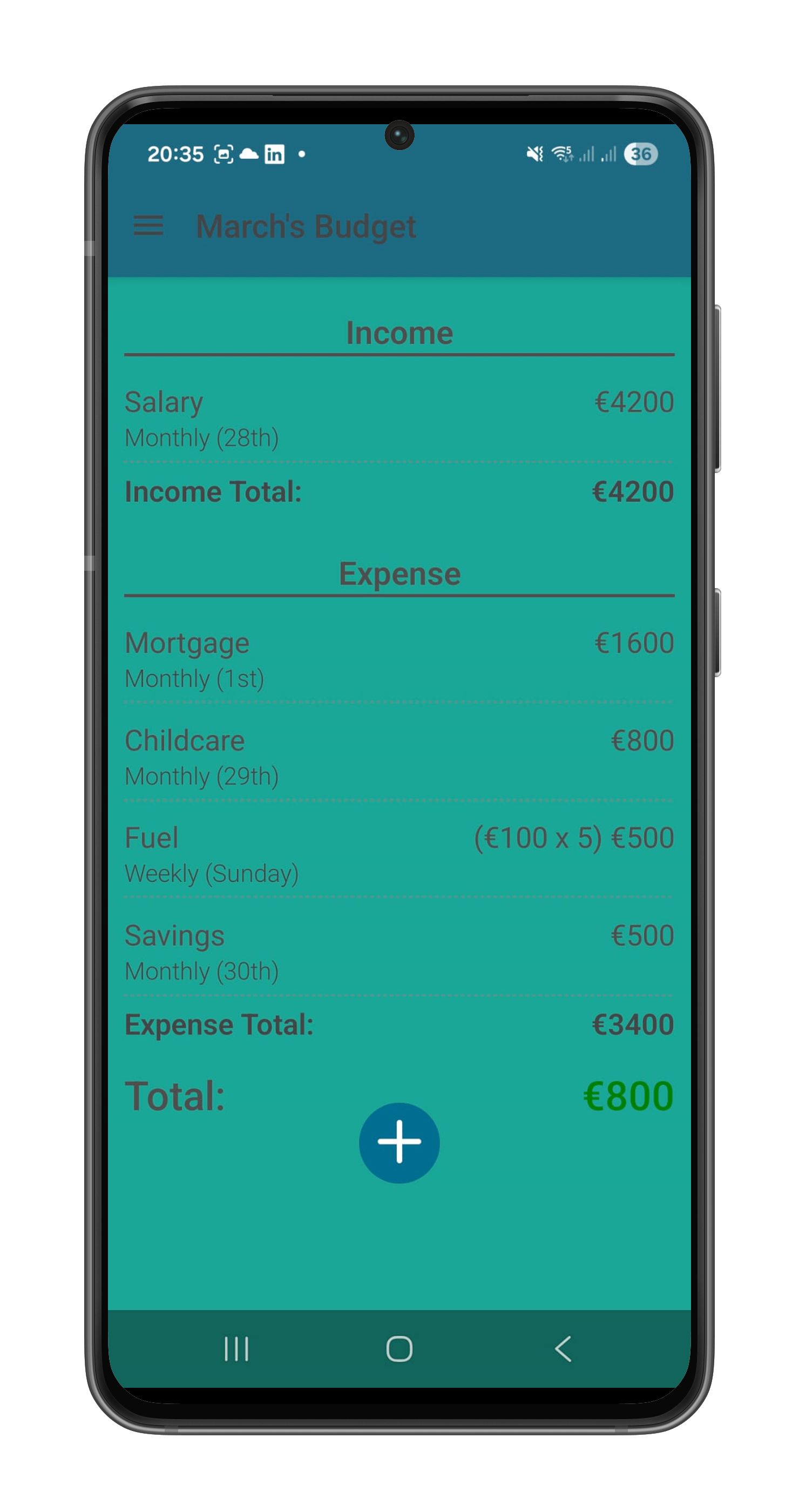
BudgApp supports both light and dark themes for comfortable viewing at any time of day.
Navigation & Menu
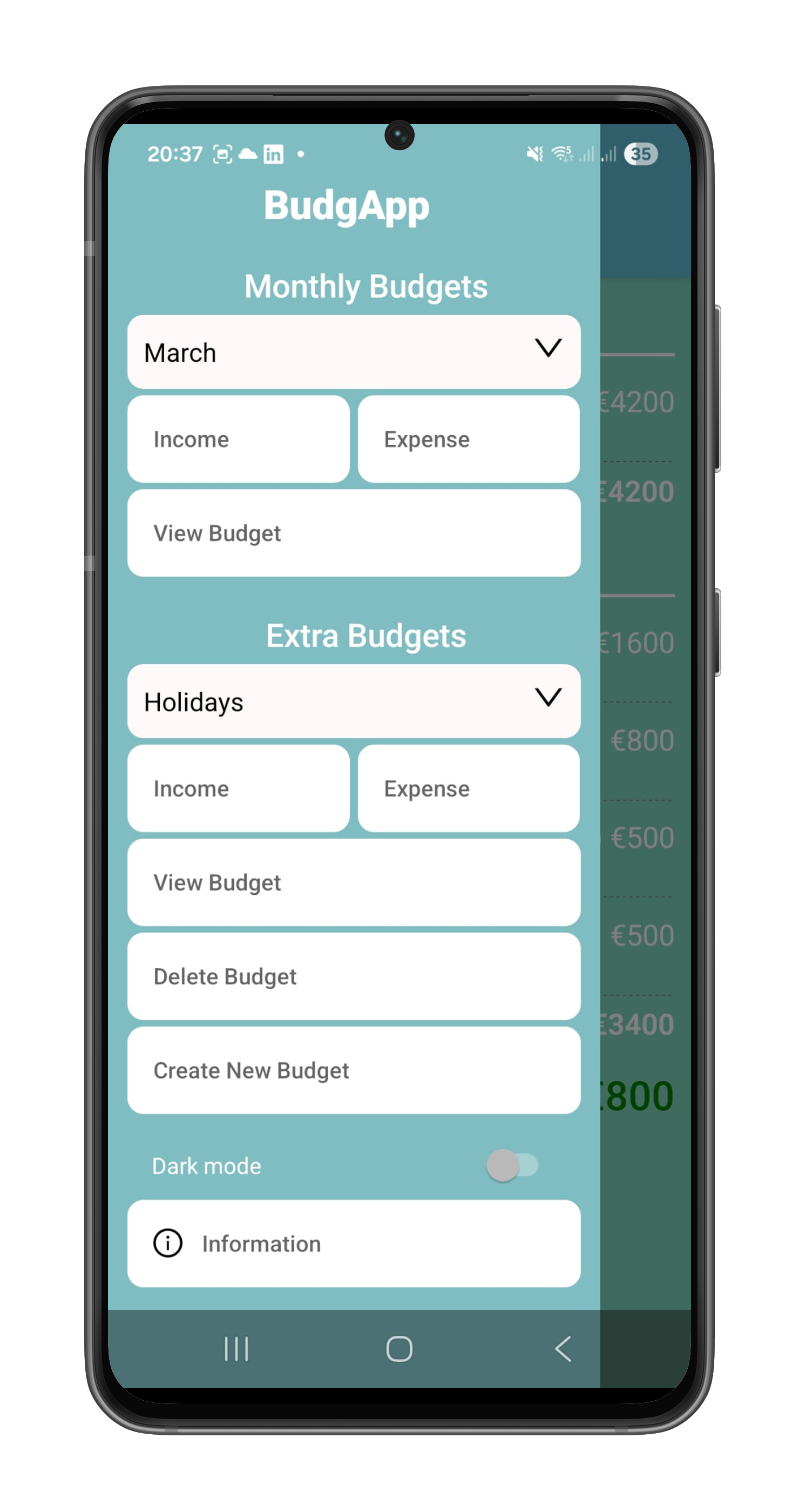
The drawer navigation provides quick access to Monthly, Income, Expense, and Extra Budget screens.
Managing Budget Items
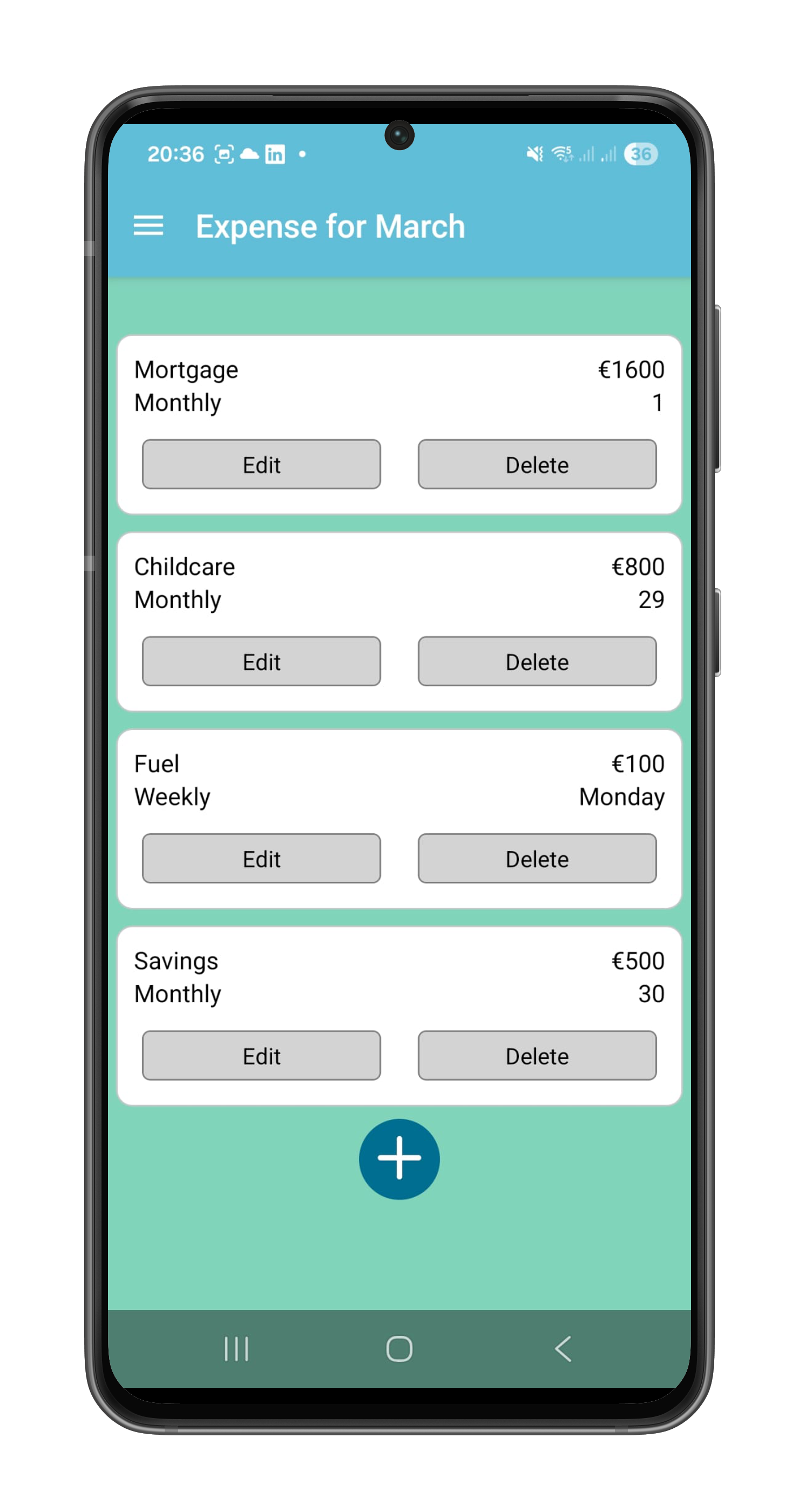
The Expense screen displays all monthly expenses, organized by recurring monthly items, weekly recurring items, and one-off purchases.
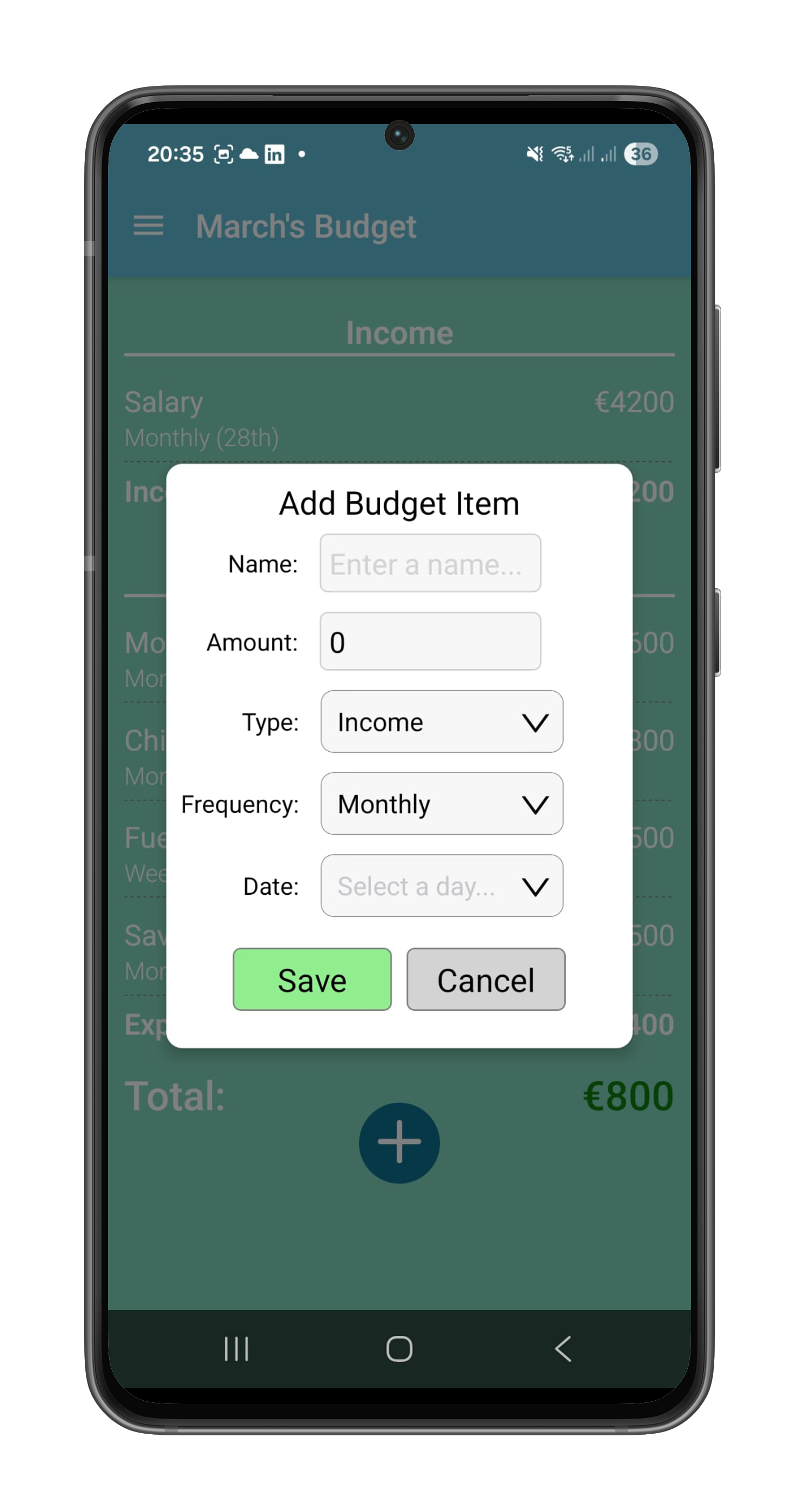
Add new income or expense items with flexible intervals — select Monthly, Weekly, or Once to define how often the item recurs.
Extra Budgets
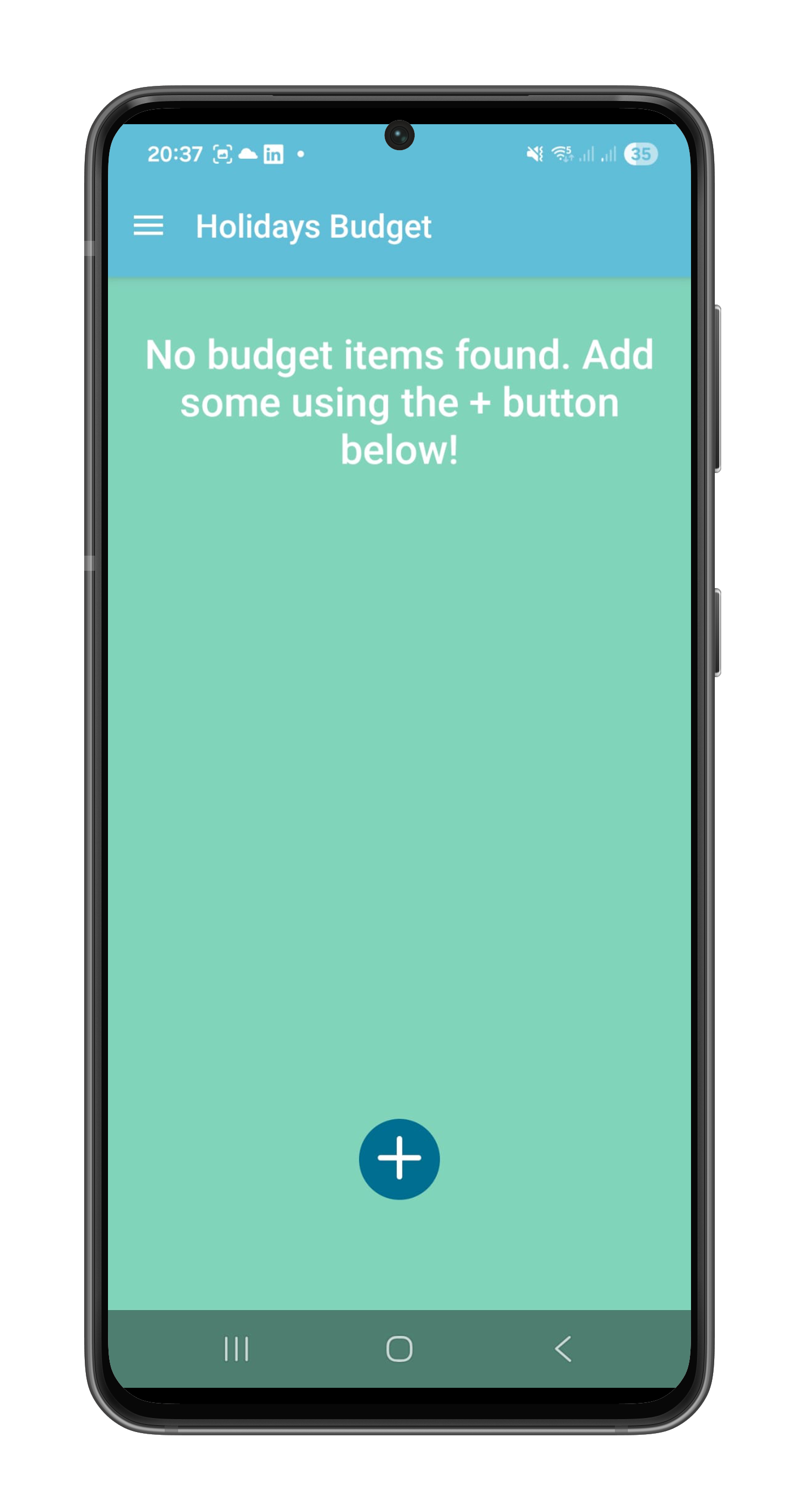
Create named Extra Budgets for special projects, holidays, or savings goals. Each Extra Budget is completely separate from your regular monthly budget.
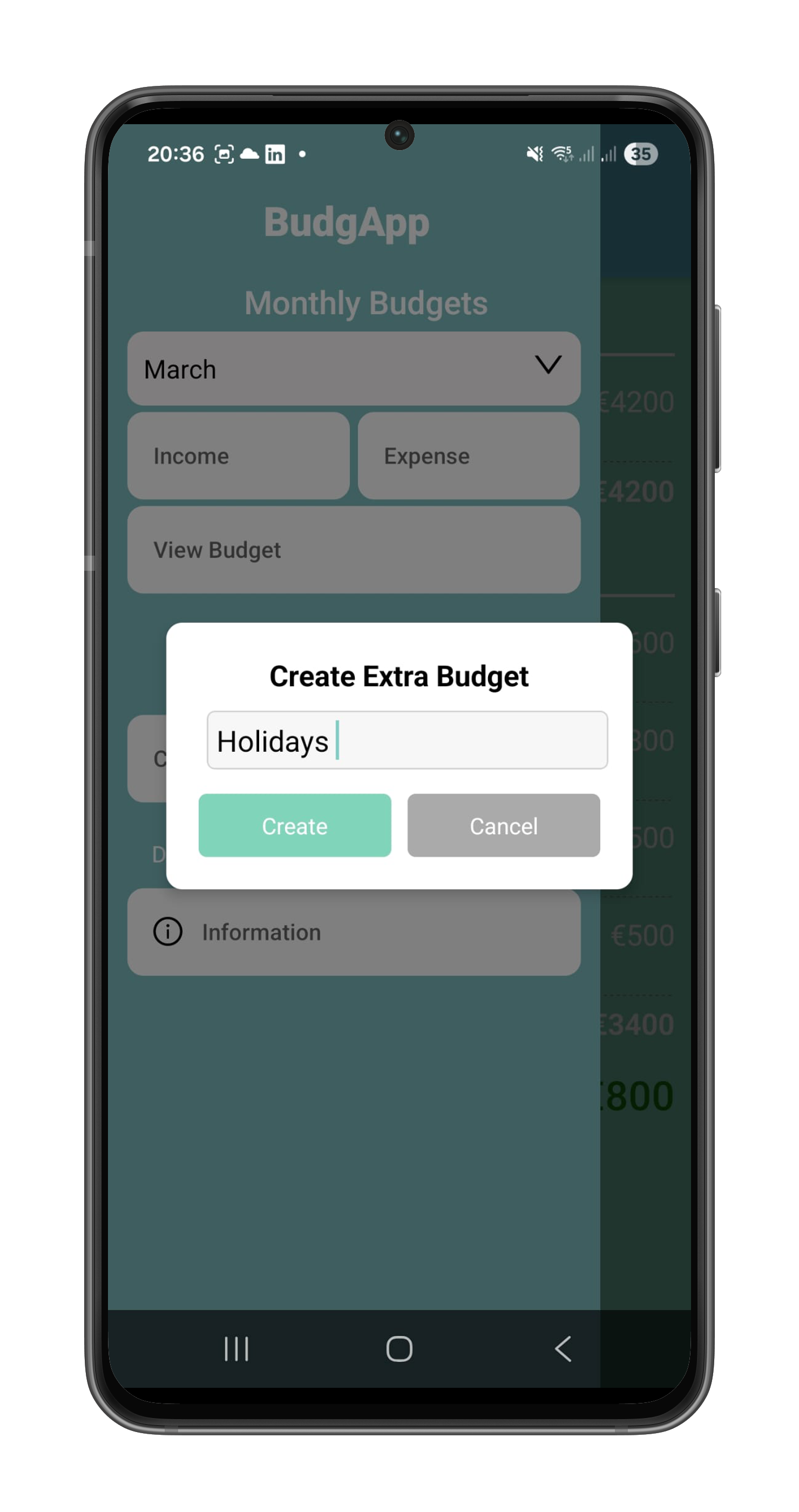
Give each Extra Budget a meaningful name to organize your one-off spending.
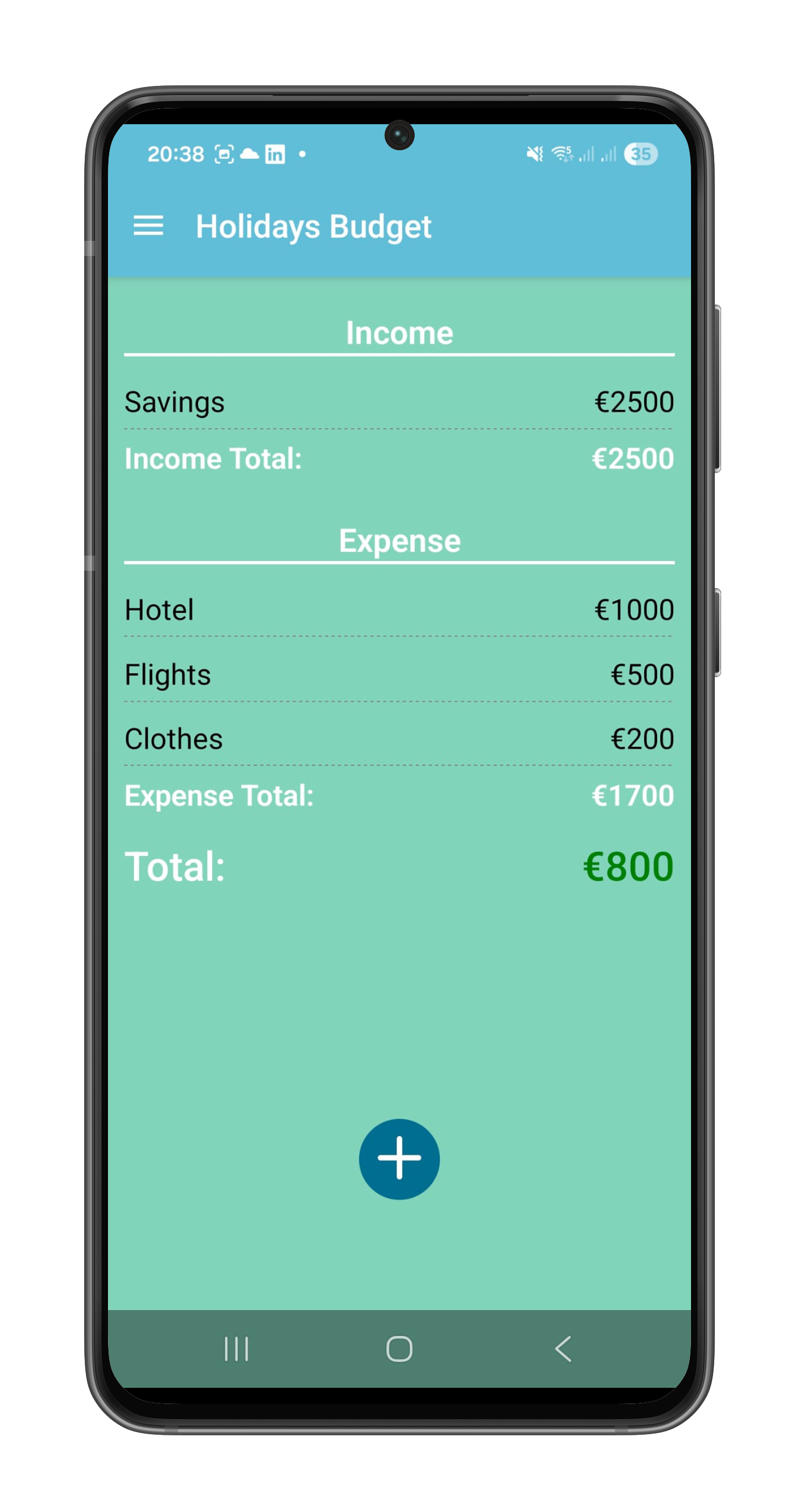
View the breakdown of income and expenses within any Extra Budget, with automatic total calculations.
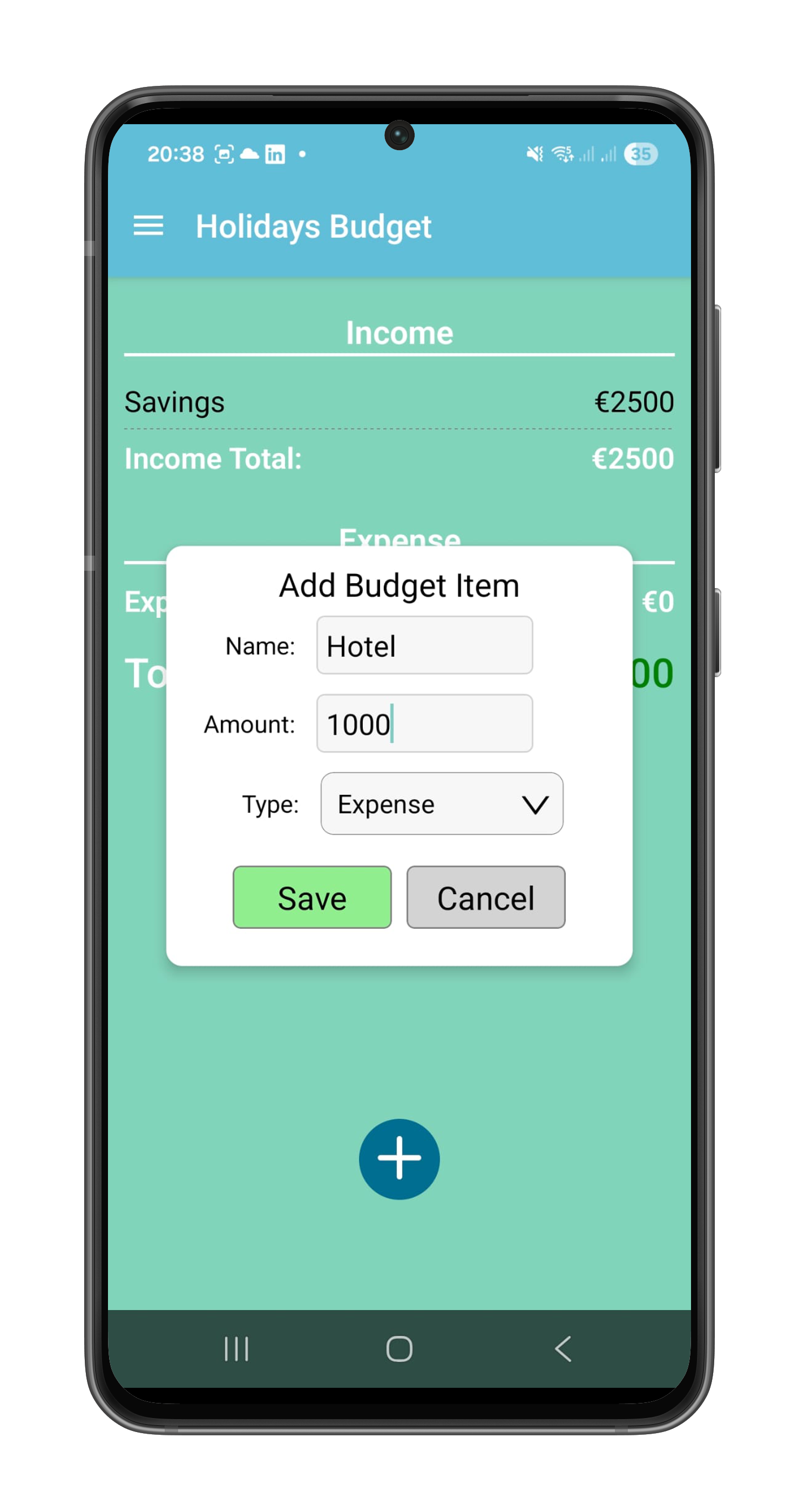
Add income or expense items directly to your Extra Budget with the same flexible input options.
Need Help?
For support or questions about this app, contact us at:
info@bytesizedev.ie·Visit support page →